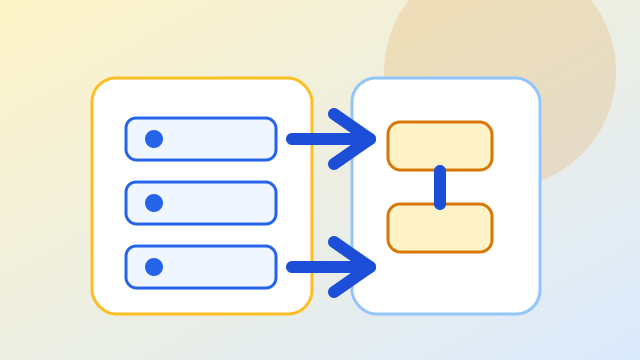
 Context
A company hosts more than one system on the same VPS. Locally, projects may use similar ports; in production, containers and Nginx decide what each domain really serves.
Observed symptoms
- The container starts, but the domain points to the wrong system.
- The backend works by IP and port, but fails through the domain.
- The frontend home opens, but internal SPA routes break on refresh.
- SSL works on one domain and fails on another.
- Nginx and Docker logs are not checked after deployment.
Investigation path
Draw the network map
List containers, Docker networks, internal ports, exposed ports and the domain expected for each service.
Separate DNS, proxy and application responsibilities
DNS points the name, Nginx routes traffic and Docker isolates services.
Validate SPA routes and API paths
React routes should return index.html and API routes should preserve headers and reach the right backend.
Create a post-publish checklist
Deployment ends after testing home, internal routes, API, forms, sitemap, robots, ads.txt and logs.
Technical decisions
- Avoid exposing unnecessary host ports.
- Use Nginx as the public boundary for domains.
- Separate Docker networks and project names clearly.
- Document rollback and validation steps.
Expected outcome
Deployment stops depending on memory. The team knows where each request enters, where it goes and how to validate the new version.